

Sign in to a portal with a company account.
An employee enters their username and password in the portal. I built the SAP connection that checks whether the company account is active and the password is correct. If both checks pass, the portal opens a session. A wrong password or a disabled account prevents sign-in.
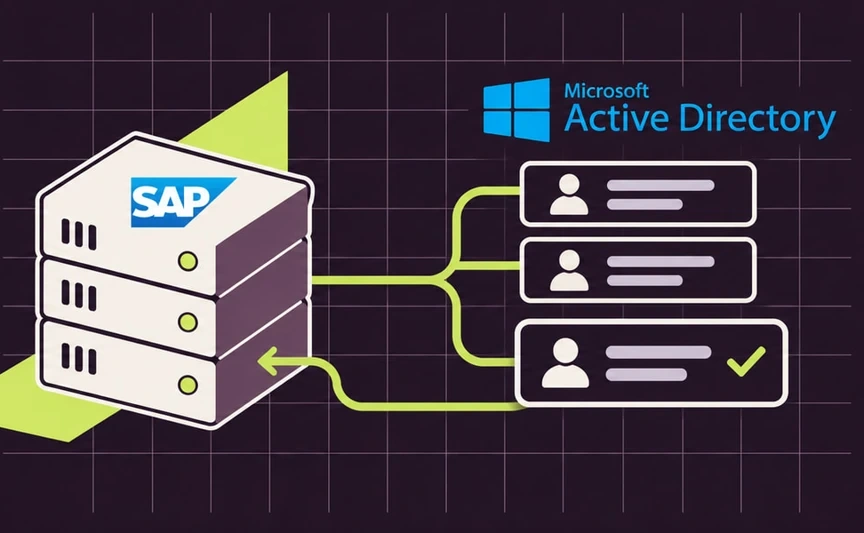
What happens after you enter your password?
The first SAP screen shows the two details the portal sends. The second shows the recorded outcomes for a correct password, an incorrect password and a disabled account.
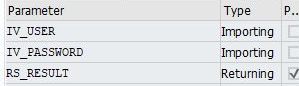
What does the portal send to SAP?
This SAP screen shows the two inputs to the sign-in check and the result it returns.
 ABView full size ↗
- AThe first two rows represent the username and password entered in the portal.
- BThe last row represents the result SAP returns to the portal.
Review the outcomes
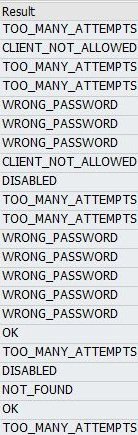
The result column distinguishes a successful check from a wrong password or a disabled account. This excerpt shows just that column.
 ABView full size ↗
- A“WRONG_PASSWORD” records a failed password check.
- B“DISABLED” records an attempt with a disabled company account.
Who does what during sign-in?
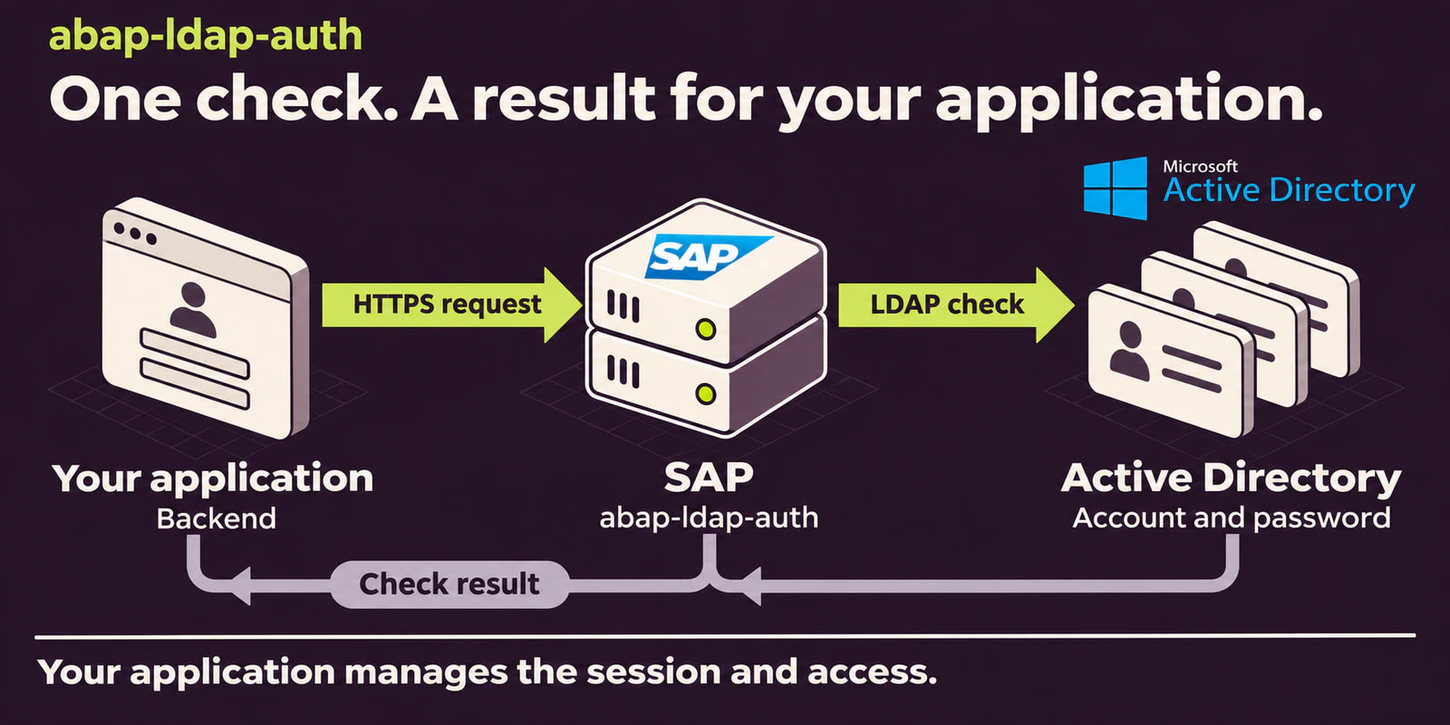
The portal asks and the directory checks
The person signs in to the portal with a company account. The SAP connection checks the account state and password against the company directory.
The portal uses the result
A valid sign-in, a wrong password and a disabled account produce different outcomes. The portal uses the returned result to start a session or turn the request down.
What I built
- Recognise the company account
- I built the connection that checks a portal user’s credentials against the company directory. When a mapping exists, the result also identifies the corresponding SAP user.
- Limit repeated sign-in attempts
- After repeated incorrect passwords, my check delays the next attempt and tells the portal how long to wait before retrying.When someone retries a wrong password
- Help support trace sign-in problems
- Administrators can review successful checks, disabled accounts and incorrect passwords without logging passwords. They can preview the effect of clearing old records.Review the outcomes
From the test screens
When someone retries a wrong password
The test first reports a wrong password. After repeated attempts, it reports that the caller must wait.
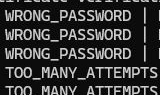 ABView full size ↗
- A“WRONG_PASSWORD” means the supplied password failed the check.
- B“TOO_MANY_ATTEMPTS” tells the portal to wait before retrying.
Preview maintenance before changing records
An administrative test run previews the effect on old records and expired counters. The first line confirms that nothing was deleted during this run.
 AView full size ↗
- A“Test run: nothing deleted.” confirms that SAP only previewed the cleanup.
Support can see when the wait ends
The test record shows the number of failed attempts and the time of the last one. The blocked row also shows when another attempt is allowed.
 AView full size ↗
- AThe last column shows when another attempt is allowed. In this row the wait ends at 10:53:28.