Follow incoming mail in SAP
I built a mailbox view in SAP that brings in messages and attachments. The team can open a document and retry a message that failed to process.
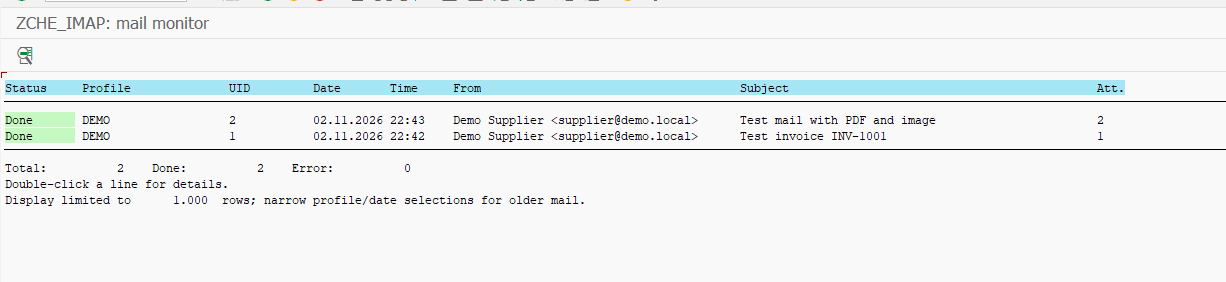
Which messages arrived?
The team can see the status, subject and attachment count for each message in SAP. Here, the test message with a PDF and an image is ready to open.
 AView full size ↗
- AThe first test message has two attachments.
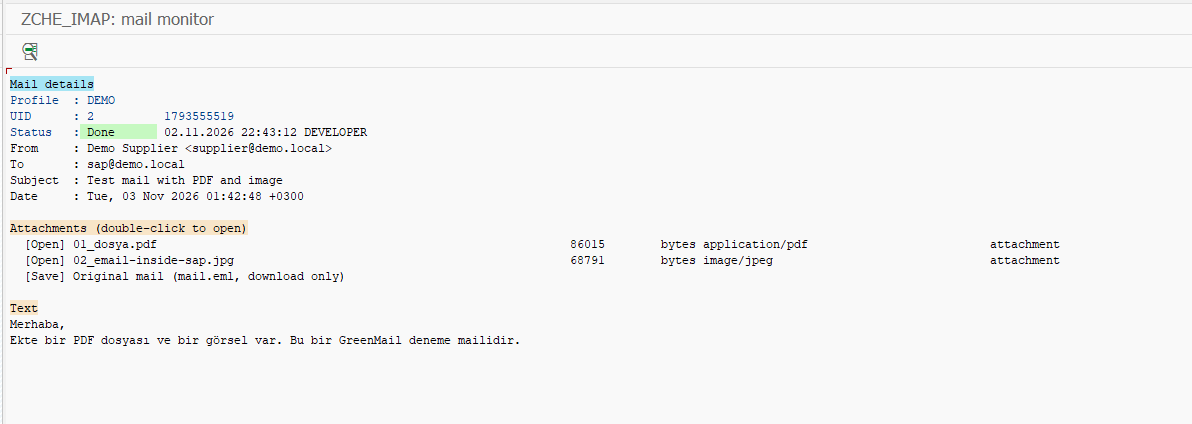
Read the message and find its files
Opening a row brings up the sender, subject and message body. The PDF and JPG are listed alongside them, so the reader can find the document without returning to the mailbox.
 AView full size ↗
- AOpen the PDF and JPG here.
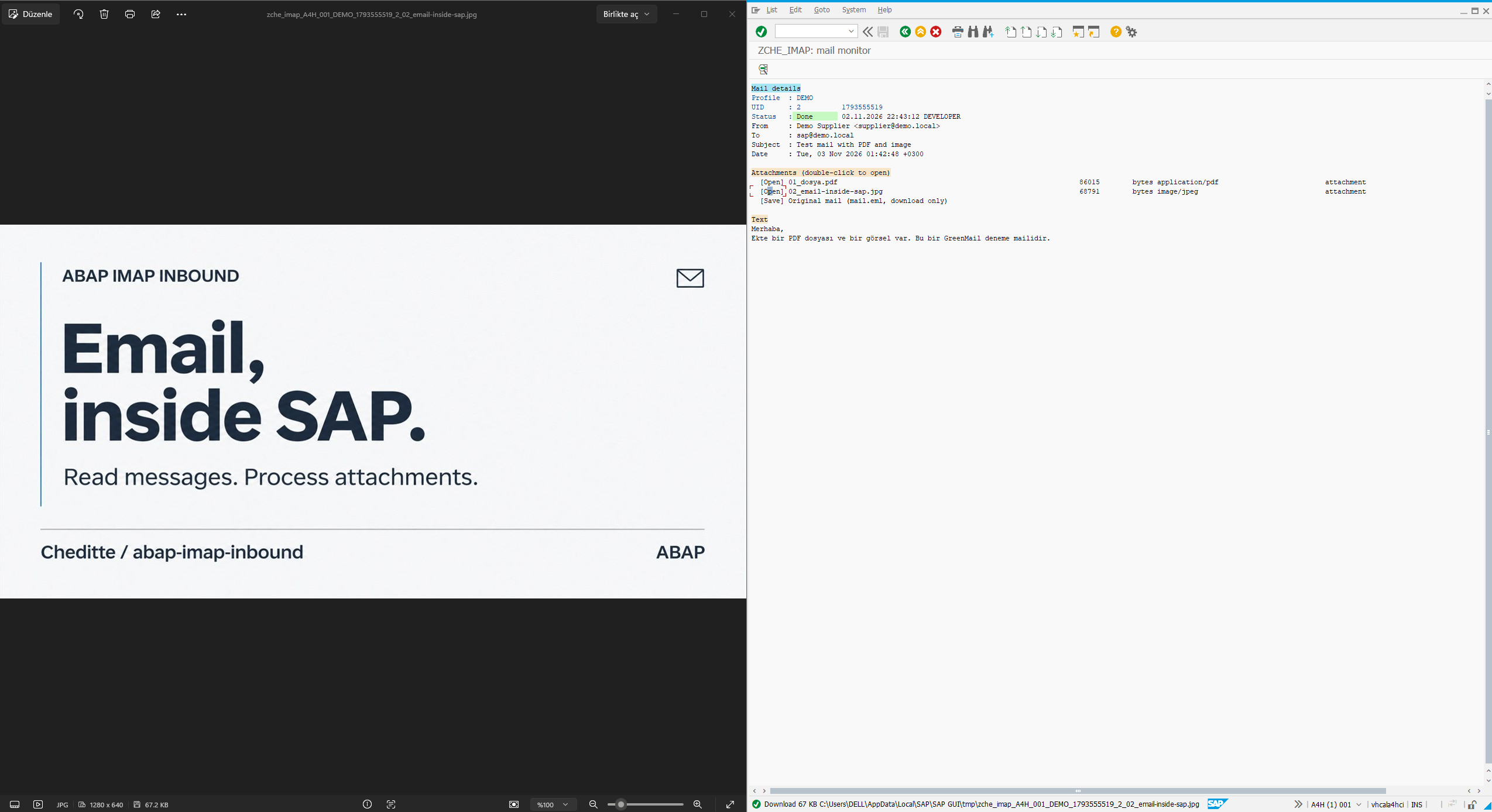
Open the attachment
In this test, choosing the JPG opens the image in a viewer. The original message stays visible in SAP on the right.
 AView full size ↗
- AThe content of the opened JPG.